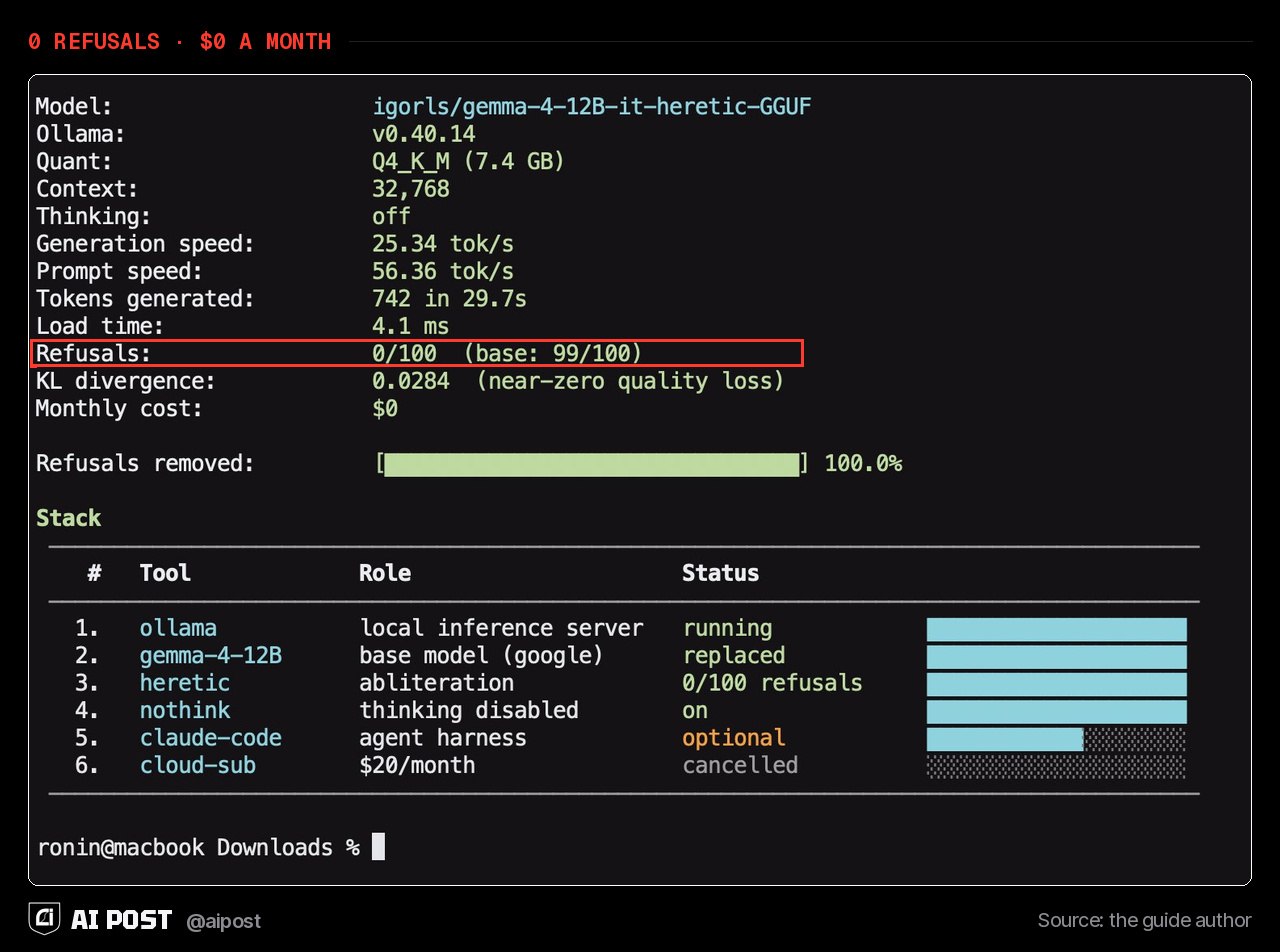
14,000 people saved this guide to a free AI that runs on your PC, refusals removed No account, no monthly bill, and your prompts never leave your computer
A popular guide details how to run a modified, refusal-free Google Gemma 4 model locally on a personal PC using Ollama for private AI use.
14,000 people saved this guide to a free AI that runs on your PC, refusals removed No account, no monthly bill, and your prompts never leave your computer
💻 14,000 people saved this guide to a free AI that runs on your PC, refusals removed No account, no monthly bill, and your prompts never leave your computer. The guide's author runs a modified Google Gemma 4 model on his own machine for anything he doesn't want in the cloud. 1. Install Ollama, a free app that runs AI models locally. 2. Download the model: ollama pull igorls/gemma-4-12B-it-heretic-GGUF 3. Start it with ollama run igorls/gemma-4-12B-it-heretic-GGUF, then type /set nothink. With thinking on, answers can get cut off. 4. Optional: ollama launch claude hooks it up to Claude Code, though the author says tool use is still rough. The standard version is a 7.4 GB download and needs a graphics card with 8–12 GB of memory. On the model page, it refused 0 of 100 harmful test prompts. The page warns its safety training is gone and users answer for what they do with it. The author's own caveat: fewer refusals don't make it smarter. For real coding he still uses cloud models. @aipost 🏴